
What if your email list could do more than nurture subscribers, what if it could also take their booking and process their payment, all without sending them to a separate platform? That is exactly what MailerLite’s new bookings tool makes possible. And for coaches, consultants, service providers, and educators, it is one of the most practical features the platform has introduced in years.
In this post, you will learn how to use MailerLite’s bookings tool to sell coaching, consultations, webinars, and more, directly from your email marketing system. Whether you are just getting started or you already have a MailerLite account and want to make it work harder for you, this guide covers everything you need to know.
What Is MailerLite’s Bookings Tool?
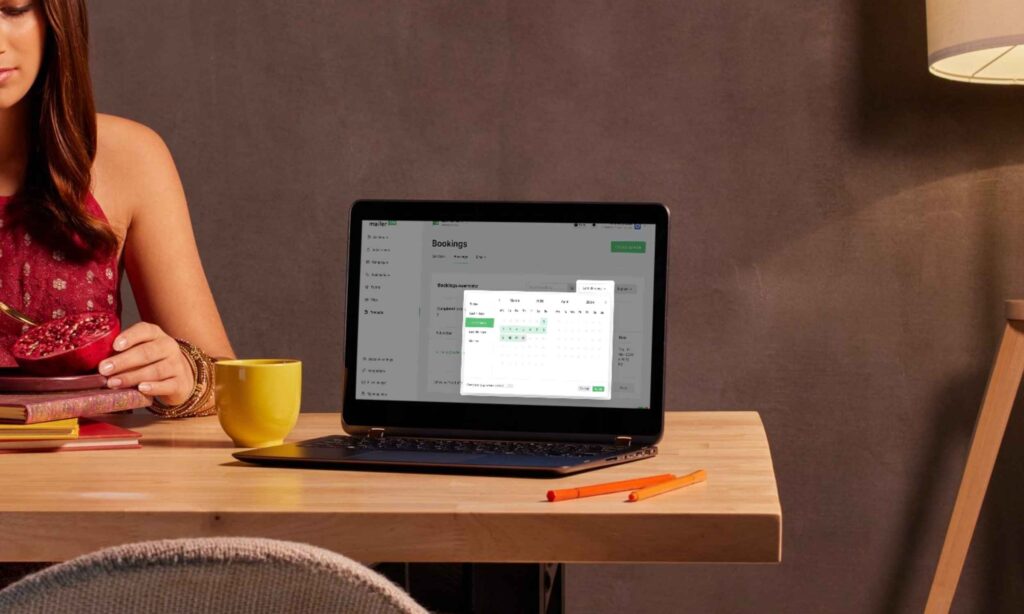
MailerLite’s bookings tool is a built-in feature that allows you to create bookable services inside your MailerLite account. You can set up individual sessions, group events, webinars, workshops, or any time-based offering, and your audience can book and pay for them directly through a landing page or a link embedded in your email.
This is a significant shift. Previously, most email marketers had to rely on third-party tools like Calendly, TidyCal, or Acuity for scheduling, and separate payment processors for transactions. Now, MailerLite handles both in one place. The result is a cleaner experience for your subscribers and a simpler workflow for you.
Who Is This Tool For?
The MailerLite bookings feature is particularly well-suited for:
- Coaches and consultants who sell one-to-one discovery calls, strategy sessions, or ongoing packages
- Educators and course creators who host live webinars, workshops, or group training sessions
- Service providers who offer project calls, onboarding sessions, or client check-ins
- Freelancers who want to offer a paid consultation before committing to a larger project
In short, if you sell time, expertise, or access, this tool was built with you in mind.
Getting your first bookable service live is straightforward. Here is how to do it step by step.
Step 1: Access the bookings feature Log in to your MailerLite account and navigate to the Monetisation section in the left-hand menu. Select Bookings. If you have not used this feature before, you will be prompted to set up your account details including your time zone, currency, and availability.
Step 2: Set your availability Define which days and times you are available for bookings. MailerLite allows you to create recurring weekly availability or set custom schedules for specific date ranges. This is particularly useful if you are running a limited-time workshop or a seasonal offer.
Step 3: Create your first service Click ‘Create Service’ and fill in the details: service name, description, duration, price, and the number of spots available. For a one-to-one consultation, you would set spots to one. For a group webinar, you can set a maximum number of attendees.
Step 4: Connect your payment method MailerLite integrates with Stripe for payment processing. Connect your Stripe account to enable paid bookings. Once connected, payments are processed automatically at the point of booking.
Step 5: Create a booking page or embed a link Once your service is set up, MailerLite generates a booking page you can share directly or embed into your existing landing pages and emails. You can also add a booking button inside any email campaign using the button block, simply paste your booking link as the destination URL.
Step 6: Set up confirmation emails MailerLite automatically sends confirmation emails to anyone who books. You can customise the content of these emails to include preparation instructions, a Zoom link, additional resources, or anything else relevant to the session. This is a small touch that makes a big impression on new clients.
How to Promote Your Bookings Through Email
Having the tool set up is only half the work. The other half is making sure your subscribers actually know it exists and feel compelled to act. Here is how to promote your bookable services effectively through your email list.
Lead with the problem your service solves. Instead of opening with “I now offer consultations”, open with the pain point your ideal client is experiencing. For example: “If you have been trying to set up MailerLite for weeks and still do not have a working automation, a 60-minute setup call might be exactly what you need.”
Use a single, clear CTA. Every promotional email for your bookings should have one button and one destination, your booking page. Avoid adding other links that could distract your reader before they click through.
Create urgency with limited spots or time windows. If you are offering a limited number of sessions in a given month, say so. Scarcity is one of the most honest and effective motivators in email marketing, as long as it is real.
Follow up with an automation. Set up a simple email sequence that triggers when someone visits your booking page but does not complete the booking. A single follow-up email sent 24 hours later can recover a meaningful percentage of interested but hesitant prospects.
Combining Bookings With Your Wider Email Strategy
The real power of MailerLite’s bookings tool is not just in the booking itself, it is in how it connects with the rest of your email system. Because everything lives inside MailerLite, you can build automated flows around your bookings naturally.
For instance, you can tag subscribers who book as clients, move them into a dedicated group, and trigger a different email sequence from that point forward. Rather than continuing to receive your general newsletter, a new client could automatically receive a welcome sequence tailored specifically to people who have worked with you.
Additionally, if someone downloads your freebie and joins your list, you can include a soft pitch for your bookings service in your welcome sequence, capturing the moment when their interest in what you do is at its highest.
This kind of connected thinking is what separates a basic email setup from a system that genuinely works for your business around the clock.
What Makes This Different From Using a Separate Booking Tool
There are plenty of standalone booking tools on the market. However, the advantage of using MailerLite’s native feature is integration. Every booking automatically connects with your subscriber data. You know who booked, when they booked, and what they purchased, and you can use that information to personalise every future communication.
Furthermore, reducing the number of platforms in your tech stack simplifies your workflow, lowers your monthly costs, and reduces the chance of technical issues caused by third-party integrations breaking down.
For small businesses especially, keeping things consolidated inside one reliable platform is not just convenient, it is strategic.
Your Email List Is Ready to Work Harder for You
MailerLite’s bookings tool is a reminder that your email list is not just a place to send newsletters. It is a business asset. When set up intentionally, it can attract subscribers, nurture them over time, and convert them into paying clients, all within one platform.
The bookings feature makes that final conversion step smoother than ever. And when you combine it with strong automations, a well-designed landing page, and a clear email strategy, you have a system that sells your services while you focus on delivering them.
Want someone to check your MailerLite setup for you?
I offer a MailerLite Setup Review; I go through your account and send you a private video within 5 business days telling you exactly what’s working, what’s broken, and what to fix. One-time, $67
If you want help setting up MailerLite`s bookings tool, connecting it to your automations, or building a landing page that converts subscribers into paying clients, I offer setup services designed to create simple and reliable email systems.
You can also download my Effortless Setup Starter Kit, where I share practical steps for building email systems that run smoothly in the background.